Docker Images vs Containers, Explained

If you are new to Docker, this is probably the first thing that trips you up: people say "image" and "container" like they mean the same thing, and they absolutely do not. Getting this one distinction straight makes almost everything else about Docker click into place.
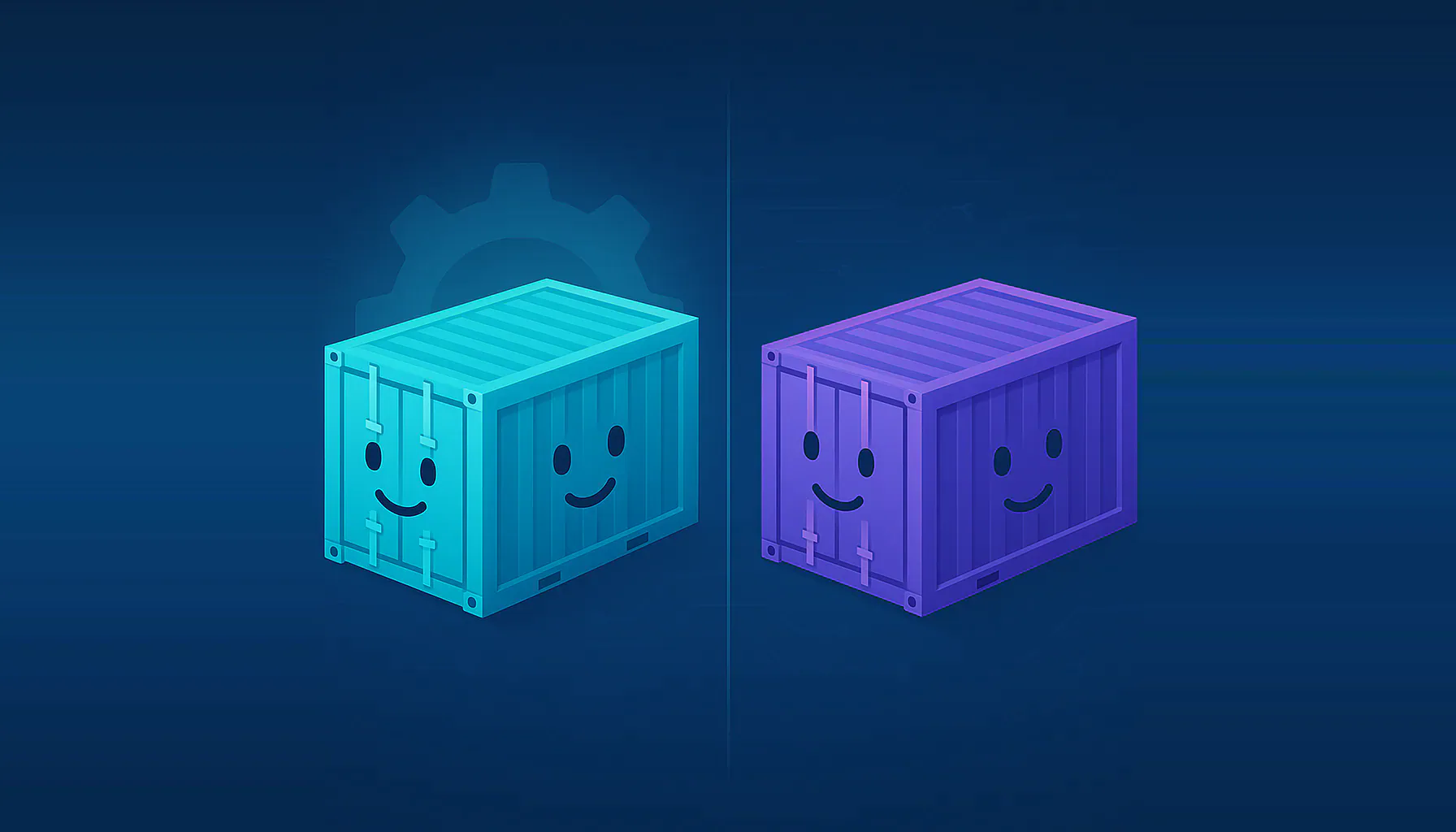
Here is the whole idea in one sentence: an image is the read-only template, and a container is a running copy made from it. If you have written any code, it is the same relationship as a class and an object, or a recipe and the meal you cook from it. One image, many containers.
Info
One image, many containers
Let's prove the relationship instead of just asserting it. First, pull an image once:
1docker pull nginx:alpineNow start three containers from that single image:
1docker run -d --name c1 nginx:alpine2docker run -d --name c2 nginx:alpine3docker run -d --name c3 nginx:alpineThere is still only one image on disk:
1docker images nginx1REPOSITORY TAG IMAGE ID SIZE2nginx alpine 72ba65eb42c1 104MBBut there are three separate containers, each with its own container ID, all pointing back at that same image:
1docker ps1CONTAINER ID IMAGE NAMES2f291e8935b87 nginx:alpine c33dbbf21ab18e1 nginx:alpine c2401da24bab3c5 nginx:alpine c1One image (72ba65eb42c1), three containers (01da..., dbbf..., f291...). That is the core fact: the image is the shared, unchanging original, and each container is an independent running instance of it. This is exactly why Docker is efficient. Ten copies of the same app do not mean ten copies of its files on disk. They share one image.
Tip
docker images lists your images (the templates), and docker ps lists your running containers (the instances). If you ever lose track of which is which, that pair is the tell.Each container gets its own writable layer
If they all share one read-only image, how can containers be different from each other? Because when a container starts, Docker adds a thin writable layer on top of the image, just for that container. Anything the container changes goes into its own layer and touches nothing else.
Watch it happen. Write a file inside c1:
1docker exec c1 sh -c "echo 'written inside c1' > /note.txt"2docker exec c1 cat /note.txt1written inside c1Now look for that same file in c2, which was started from the identical image:
1docker exec c2 cat /note.txt1cat: can't open '/note.txt': No such file or directoryThe file exists in c1 and does not exist in c2, even though both came from the same image. Each container's changes live in its own private writable layer. The image underneath never changed.
Warning
docker rm c1 and the note.txt you wrote is gone for good. This is the number one surprise for beginners: data written inside a container is not permanent. When you need data to survive, you use a volume, which is the subject of its own guide in this series.So what is an image, really?
An image is not one big blob. It is a stack of read-only layers, each one a set of filesystem changes from the step that built it. You can list them with docker image history. It prints newest layer first, so here are the top few (the --format flag just trims it to size and command for readability):
1docker image history nginx:alpine --format "{{.Size}}\t{{.CreatedBy}}" | head -6151.8MB RUN /bin/sh -c set -x && apkArch="$(cat ...20B ENV ACME_VERSION=0.4.130B ENV NJS_RELEASE=140B ENV NJS_VERSION=1.0.150B CMD ["nginx" "-g" "daemon off;"]60B STOPSIGNAL SIGQUITEach line is a layer. Some add real files and have a size (the 51.8MB package install), others just set metadata like an environment variable or the default command and cost nothing. This is only the top of the list; the base Alpine layer and the rest of the image sit below these, which is where most of the 104MB actually lives. Every container you run from this image shares all of those read-only layers and simply adds its own empty writable layer on top. That shared design is why the three containers above cost you 104MB of image once, not 104MB three times.
The mental model to keep
Line the two up side by side and the distinction sticks:
- An image is built, versioned, and read-only. You create it with a Dockerfile, tag it, push it to a registry, and pull it. It is the same for everyone who pulls it.
- A container is run, started, stopped, and thrown away. It is one live instance of an image, with its own ID, its own writable layer, and its own lifecycle.
The commands follow the same split. docker build and docker pull deal in images. docker run, docker stop, and docker rm deal in containers. And docker run is simply the bridge between them: it takes an image and produces a running container.
Once that lands, the rest of Docker is mostly detail. Next in the Docker Foundations series, put it to work by running your first containers hands-on, then move up to Docker Compose to run several at once.
Join the discussion on Docker Images vs Containers, Explained
Likes, comments, and replies are available for authenticated readers with verified email addresses.